Samsung has officially acknowledged an issue affecting sensor-related features on the Galaxy Watch 4 and Galaxy Watch 5 series running One UI 8 Watch software. According to the confirmation, several key functions, such as wearing detection, Always On Display operation, electrocardiogram measurement, and body composition measurement, were intermittently not working as expected. These problems caused inconvenience for users who rely on health tracking and smart features in daily use.
To address this situation, Samsung has now released a new software update designed to improve sensor stability and restore normal functionality. The update focuses on fixing the intermittent failures and enhancing overall system reliability, ensuring that health monitoring and display features work more consistently.
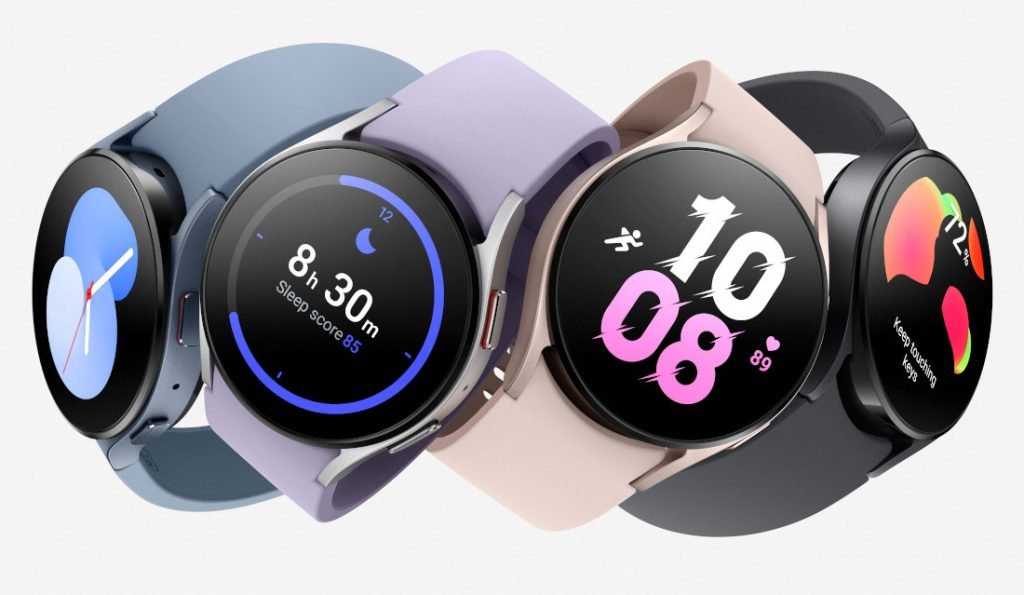
Users are strongly advised to update their watches to the latest software version through the Galaxy Wearable application. The update process is simple and can be completed in a few steps. First, ensure that the watch is connected to your smartphone. Then open the Galaxy Wearable app and enter the watch settings menu. From there, select Watch Software Update and tap on Download and Install to begin the update process.
Keeping the smartwatch updated is important, as software updates not only fix known issues but also improve performance and long-term stability. With this latest release, users can expect a smoother experience and more reliable sensor operations on their Galaxy Watch 4 and 5 devices.