


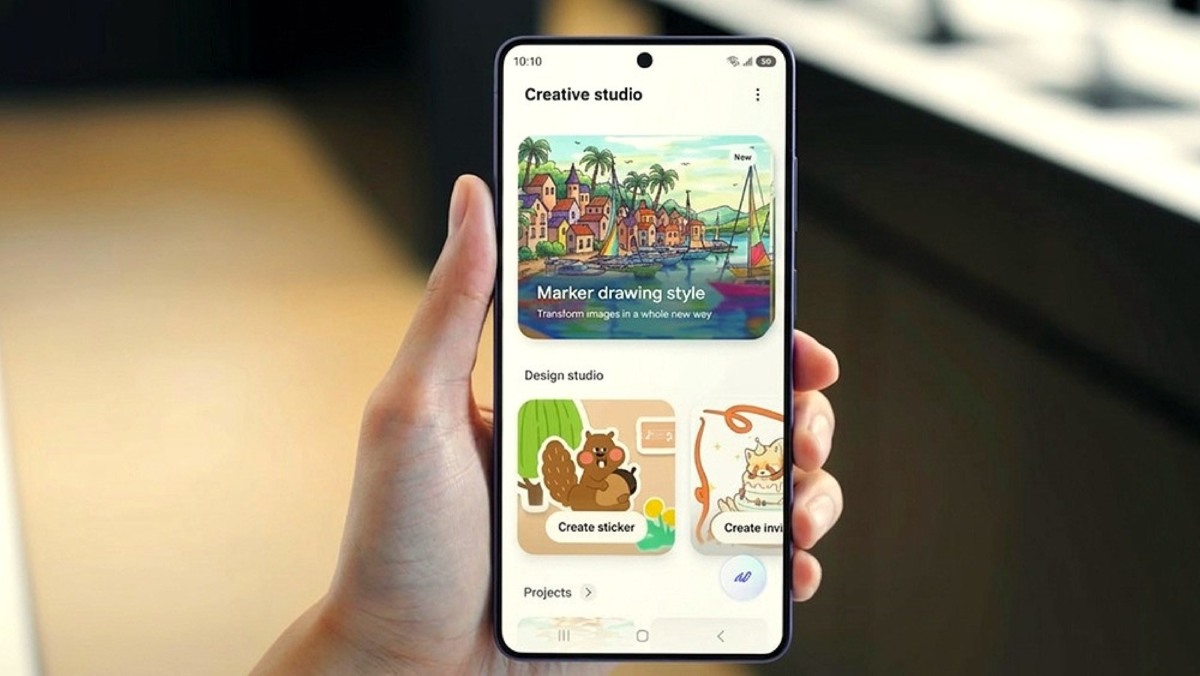
Samsung has finally released a stable One UI 9 software update for Galaxy S26, Galaxy S26 Plus, and Galaxy S26 Ultra smartphones. The latest version is now rolling out in South Korea, and soon it will reach other countries. The new version brings tons of new features, changes, and some Galaxy AI features from the Galaxy Z Fold 8 series. Here are the key features and changes in the new update.
More Flexible Quick Settings
The Quick Settings panel can now be customized more quickly and easily. The editing area has become wider and more diverse. You can change the size of the brightness and volume control bars, as well as the size of the media player. You can also separate the sound mode button from the volume control bar.
Efficient Multi-Desktop Work
Use the menu at the top of an app window to easily move the app to another desktop. A desktop preview is also now available at the top of the Recent Apps screen, allowing you to quickly switch between desktops with a single tap.
More Versatile Note Features
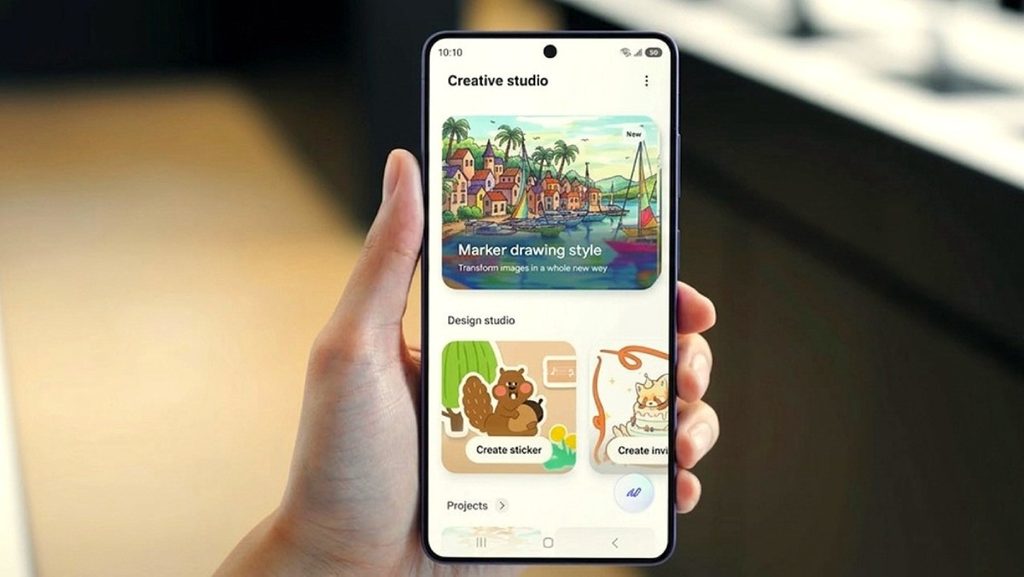
Some of the new features from Samsung Notes can now be used in other apps. Various pen styles have also been added, allowing you to write and draw more freely.
Enhanced Game Booster Panel Settings
You can now customize the Game Booster settings while playing games. You can adjust the screen ratio and screen refresh rate, and you can also check the settings that have been applied to the game.
Transparent Location Permission Usage
When an app uses your location information, a blue indicator will appear at the top of the screen. You can check which apps have recently accessed your location simply by tapping the indicator.
Discover New Accessibility Features
You can learn about the latest accessibility features directly from the Accessibility settings.
Easily View Only the Text You Need
Need to see text more clearly? You can select text directly and enlarge it for easier viewing. You can also adjust various settings, such as text size and color.
Quickly Access the Physical Keyboard
You can now perform accessibility functions more quickly without touching the screen by adding a physical keyboard shortcut.
Enhanced Mouse Key Function
You can control the mouse using the keyboard. You can also adjust the mouse pointer speed and control the mouse using the numeric keypad.
Replace a Swipe With a Single Tap
This feature makes it easier to use certain functions by replacing swipe gestures with a single tap. The feature was previously available under a different accessibility setting, but it can now be accessed more easily.
Read Only the Items You Need
TalkBack’s reading function has been improved. You can use the new feature to have TalkBack read only the text and images you need instead of reading everything on the screen.
Improved TalkBack Update Method
Samsung and Google’s TalkBack functions have now been combined. Through simple app updates from the Google Play Store, you can use the latest TalkBack features without having to wait for a system update.


Leave a comment