


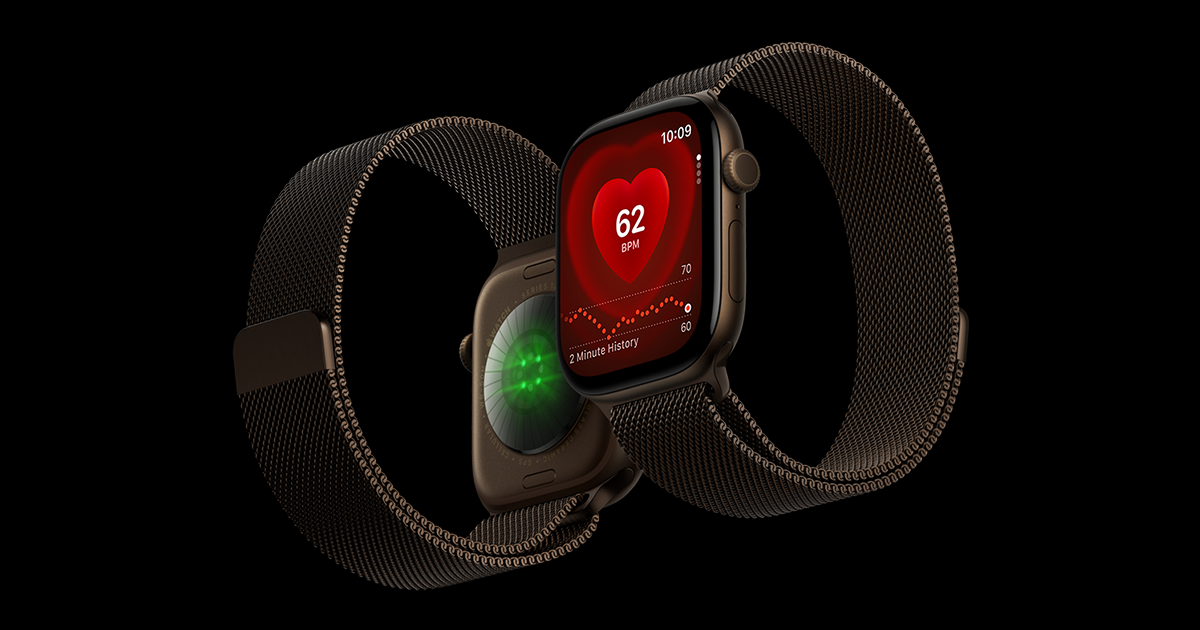
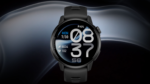
Apple has released a new watchOS update for its latest smartwatches. The company has rolled out watchOS 27.0.1 for the Apple Watch Series 12 & Apple Watch Ultra 4, and the update focuses on fixing an unexpected restart problem.
The update arrives shortly after the release of watchOS 27. Some owners of the latest Apple Watch models reported that their watches were randomly restarting several times a day. Apple has now released watchOS 27.0.1 to address the issue.
Apple Watch Series 12 and Ultra 4 Restart Bug Fixed
According to Apple’s official release notes, watchOS 27.0.1 includes bug fixes, including a fix for an issue that could cause an Apple Watch to restart unexpectedly. Apple has not provided detailed information about the exact cause of the problem.
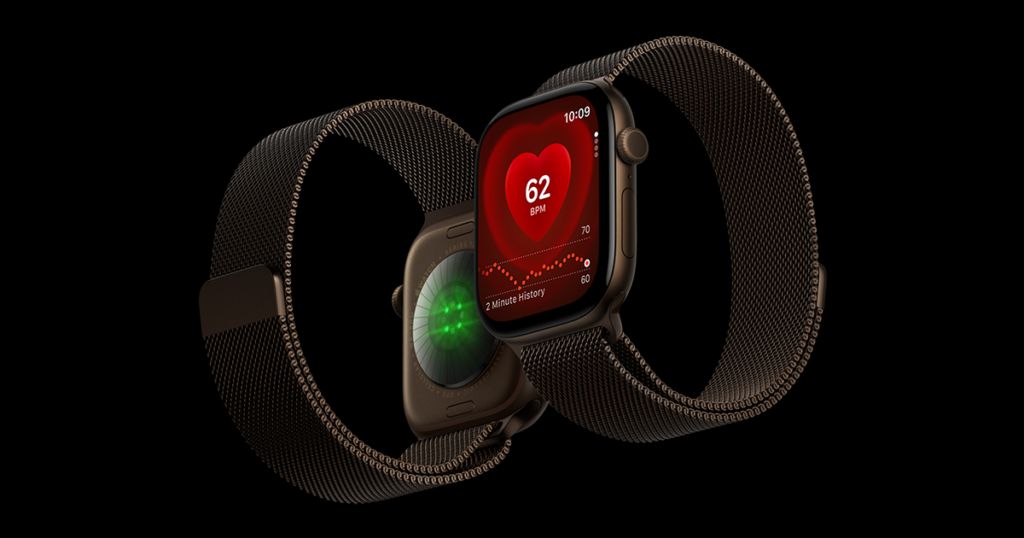
Before this update, some Series 12 and Ultra 4 owners reported seeing the Apple logo appear suddenly as their watches restarted. The problem was reported during different activities, including using Siri, editing watch faces, making calls, opening Maps or the App Store, and recording workouts. Some users also reported restarts while the watch was idle.
Reports also suggested that some affected watches could restart multiple times during a single day, making the issue particularly frustrating for users who rely on the Apple Watch for calls, notifications, workouts and other daily tasks.
What Caused the Apple Watch Reboots?
Apple has not officially explained the root cause of the restart problem.
However, diagnostic logs shared by some users reportedly pointed toward a problem involving the Apple Neural Engine. These reports suggest that a Neural Engine process could time out and trigger a system restart. This information comes from user-shared diagnostic logs and third-party analysis, rather than an official explanation from Apple.
The important point is that Apple has now released a software fix for the unexpected restart issue.
How to Install watchOS 27.0.1
If you own an Apple Watch Series 12 or Apple Watch Ultra 4, you can check for the update directly from the watch.
Go to Settings > General > Software Update and check for watchOS 27.0.1. You can also update through the Apple Watch app on your connected iPhone.
The Apple Watch needs to be connected to its charger and have more than 50% battery before the update can be installed.
Since watchOS 27.0.1 is specifically aimed at the restart problem affecting the newest Apple Watch models, Series 12 and Ultra 4 owners who experienced random reboots should check for the update.







Leave a comment